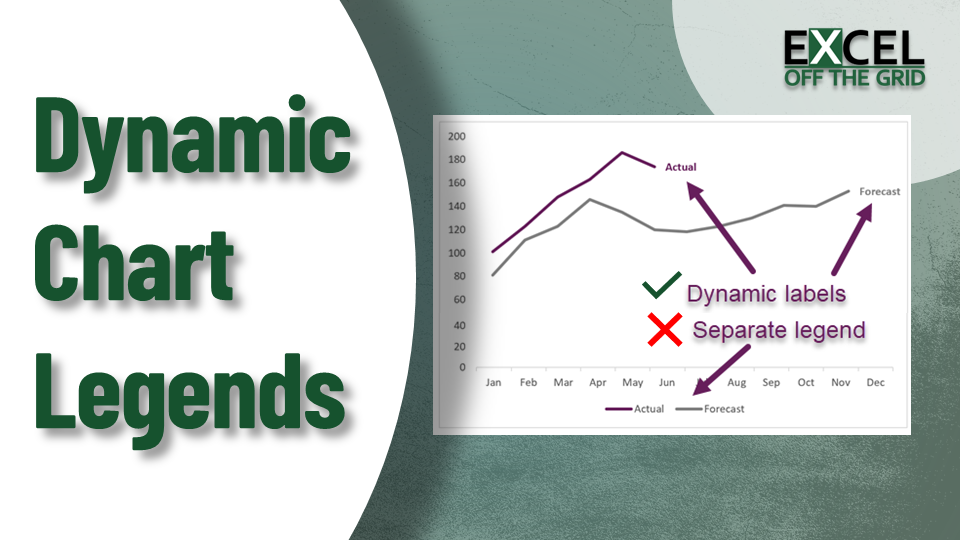
Formatted dynamic chart titles in Excel
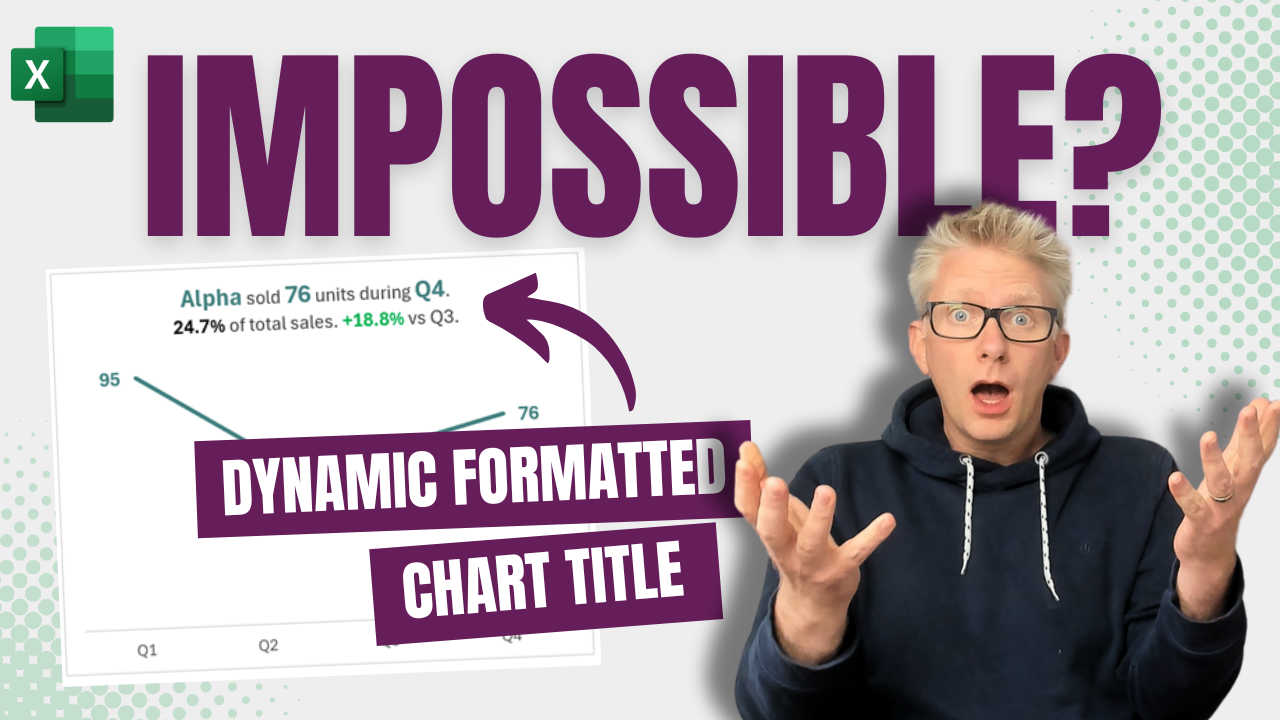
Dynamic formatted chart title

Titles are an overlooked aspect of most charts. Bland titles miss out on so much rich information that could enhance a user’s understanding. So, in this post, we look at how to create dynamic chart titles in Excel. Here is an example of bad and good chart titles: Hopefully, you agree the second chart provides a … Read more

How to make a Dumbbell Dot Plot in Excel (100% dynamic)

Dumbbell dot plots are an excellent chart style for presenting comparative data. These chart styles quickly show the difference or progress between two data points. Often, Excel tutorials for dumbbell dot plots create charts that require manual updating for new data. But using the right Excel techniques these charts can be fully dynamic. So, in … Read more

How to make Waffle Charts in Excel: The EASIEST way

Waffle Charts in Excel

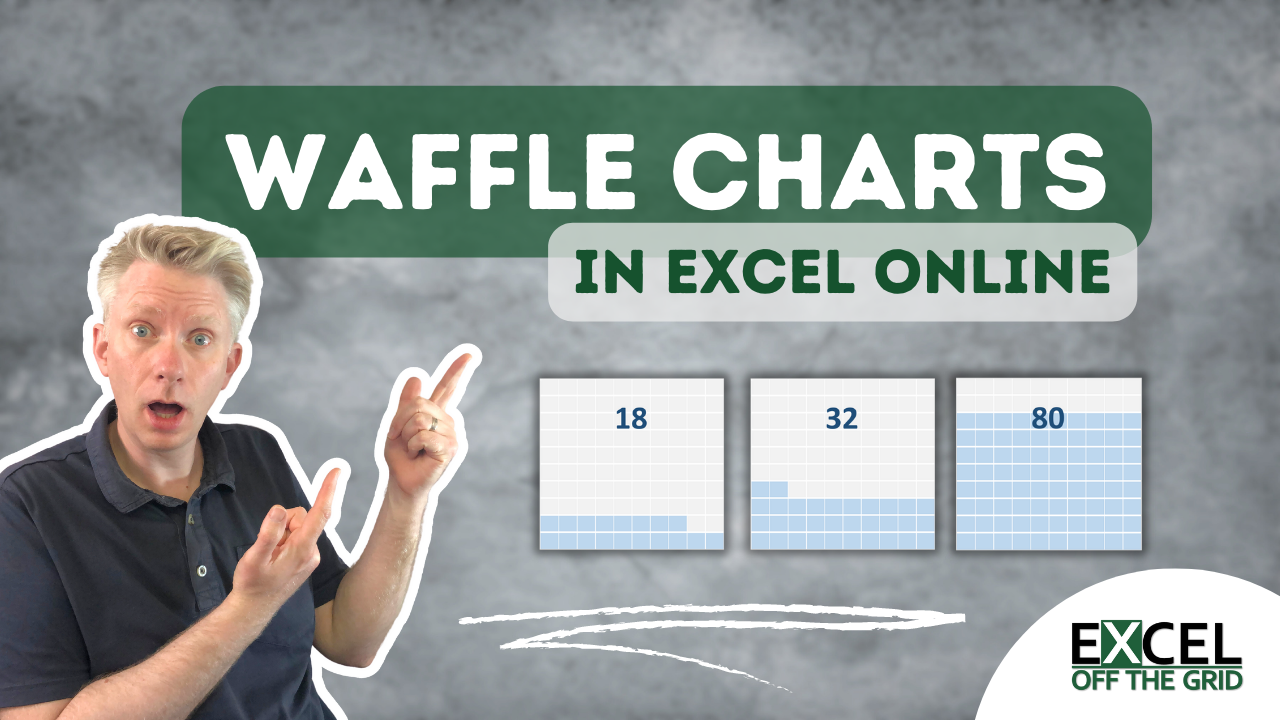
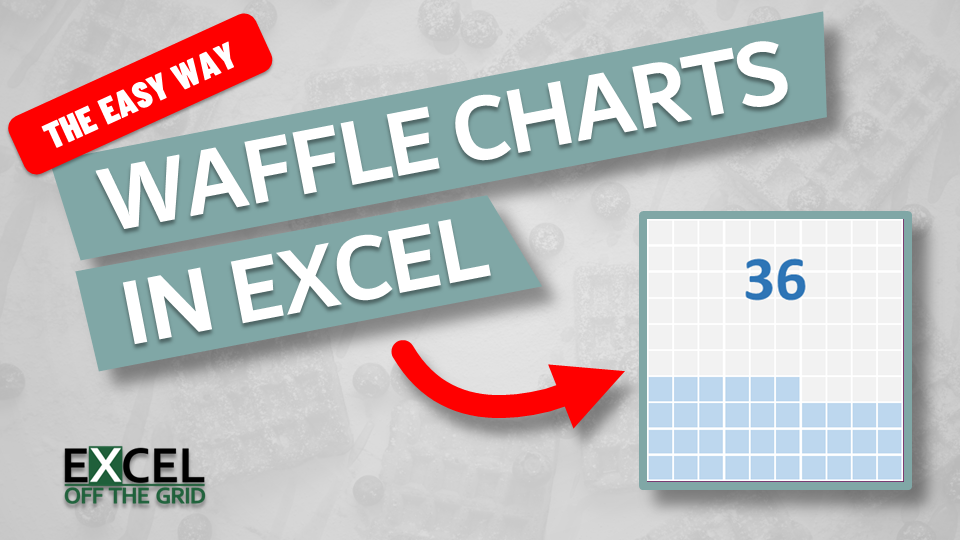
Waffle charts are like square pie charts. However, rather than slices of a pie, values are represented by the number of colored squares. They are commonly found on dashboards and newspaper articles because they are easy to read at a glance. In this post, we look at how to make waffle charts in Excel using … Read more

How to create a Sankey diagram in Excel

Sankey Diagrams in Excel

Sankey diagrams are used to show flow between two or more categories, where the width of each individual element is proportional to the flow rate. These chart types are available in Power BI, but are not natively available in Excel. However, today I want to show you that it is possible to create a Sankey diagram … Read more