How to calculate CAGR in Excel (5 easy ways)
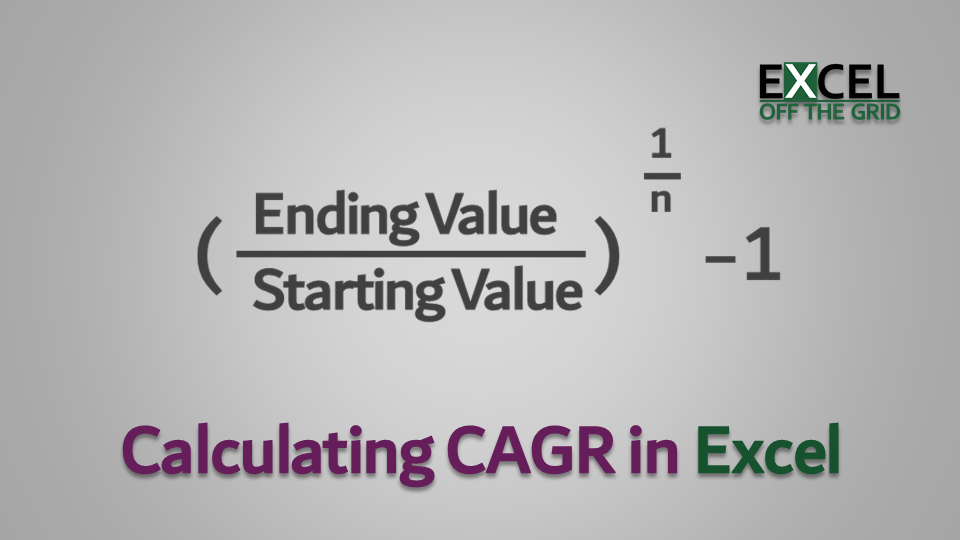
Calculate CAGR in Excel

This post looks at how to calculate CAGR in Excel. CAGR stands for Compound Annual Growth Rate; it calculates the annual percentage growth over a period of time, where growth is compounded each year. CAGR is often used in finance to understand how different investments have performed over time. Excel does not have its own … Read more

How to display fractions in Excel (the easy way)

When using Excel, we often display numbers as decimals. However, that is not necessarily the best way for users to read the information; fractions can be a better option. We could enter fractions as text, but then we can’t use them in calculations. So, in this post, we’ll look at how to display fractions in Excel. Table … Read more

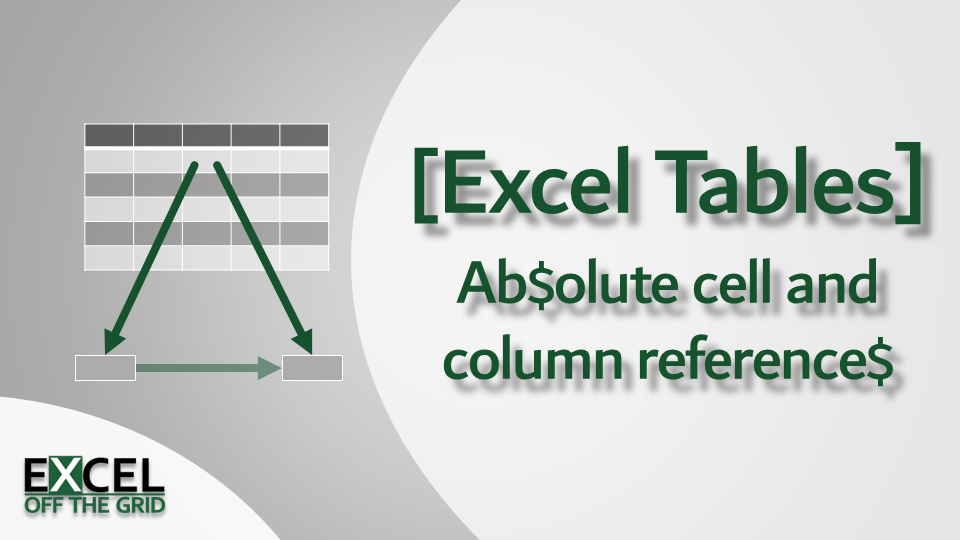
Excel Table absolute reference for cells, columns, and rows

Excel Tables absolute references

One of the first things we learn in Excel is the magic of the $ symbol. It freezes the row or column, so the cell reference does not change when copying a formula. This is known as an absolute reference. With the introduction of Tables came a different (and more semantic) way to reference cells, called structured … Read more

How to convert color codes (RGB, HSL, HSV, Hex, Long, CMYK)

Convert Color Codes - Featured image

I often find myself converting between different formats of color codes; especially from hex to RGB and back again. Rather than firing up Google and searching for color conversion tools online, I decided to write my own User Defined Functions in Excel, now I can calculate the result within a worksheet instead. The functions in this … Read more

How to add double quotes in Excel formula

Within Excel formulas, double quotes are used to denote the start and end of a text string. Therefore, the obvious question is: how to add double quotes in Excel? Look at the following formula as an example: The double quotes are at the start and end of the text string. But what if we want the … Read more