Obtaining the save status of a file using VBA
Save status of file using VBA

Often when creating a macro, we may need to know the save status a file we are working with.  This post explores some of the options available for understanding and controlling this important aspect of file control. Using the .saved property Within the Visual Basic Editor we can view the Saved property of a workbook. … Read more
Creating custom Map Charts using shapes and VBA

Custom Map Charts

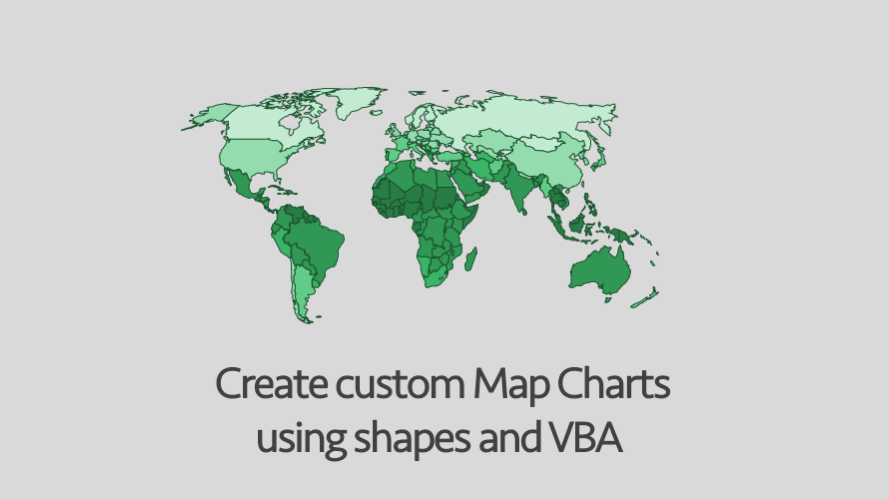
Whenever I see promotional images for expensive BI Dashboard software, they always show the same thing – a map with countries or regions highlighted in different colors.  It sends the subtle message that maps are the pinnacle of Business Intelligence (whether they are or not is a different matter altogether).  Until Excel 2016, these Map … Read more

Using VBA to control Custom Lists

VBA Code Snippets

In Excel it is possible to create Custom Lists which are available for use in the spreadsheet or VBA application.  The default lists provided by Microsoft are the days of the week Monday – Sunday (or the shorter version of Mon-Sun) and the months of the year January – December (or the shorter version Jan-Dec). … Read more

Controlling Powerpoint from Excel using VBA

Controlling PowerPoint from Excel using VBA

So far in this series about using VBA to control other Office applications, we have looked at the basics of controlling other office applications and specifically how to create macros to control Word from within Excel.  Our approach for creating macros to control Word was using the Macro Recorder.  We record very short actions, copy … Read more

Do you have to use Dim to declare variables?

Do you have to use DIM

When looking at other people’s VBA code in books or on the internet we often see the Dim statement being used to declare variables.  It is possible to write valid VBA code without declaring variables, so why bother? The default settings for variables When variables are declared, they can be given a type.  Types include … Read more

Reading document properties with VBA

VBA Code Snippets

In the Windows Explorer it is possible to view a document’s properties.  Right-click on the file and select Properties. There is useful information in here, such as author, creation date, last saved date etc.  The good news is, we can access this information using VBA with  the BuiltinDocumentProperties Property. Not all document properties are populated … Read more

Edit links in Word using VBA

Edit link in Word using VBA

Last week we looked at linking Excel directly to Word documents.  This can create significant time saving as the Word document updates automatically whenever the Excel file changes.  The problem comes when we want to change the file path of the linked document, as it is necessary to change the links one by one.  But, … Read more

Edit links in PowerPoint using VBA

Edit links in PowerPoint using VBA

In a previous post, we considered how to link Excel files to PowerPoint presentations.  This can be a significant time saver as the PowerPoint presentation can be updated automatically.  Once you have created the links, life is brilliant, until . . . you need to change which file the PowerPoint presentation is linked to.  You … Read more