How to remove Excel passwords (all 6 types)

Unlock Excel without a password

There is nothing more frustrating than finding out a previous employee has used passwords to protect an Excel file, and it turns out nobody else knows the password. Or maybe it’s worse when it’s your file, your password and you’ve forgotten it. Either way… you’re stuffed! However, before you give in, let me share some ideas on how … Read more

Change number format based on a cell value in Excel

Number formats based on value (1)

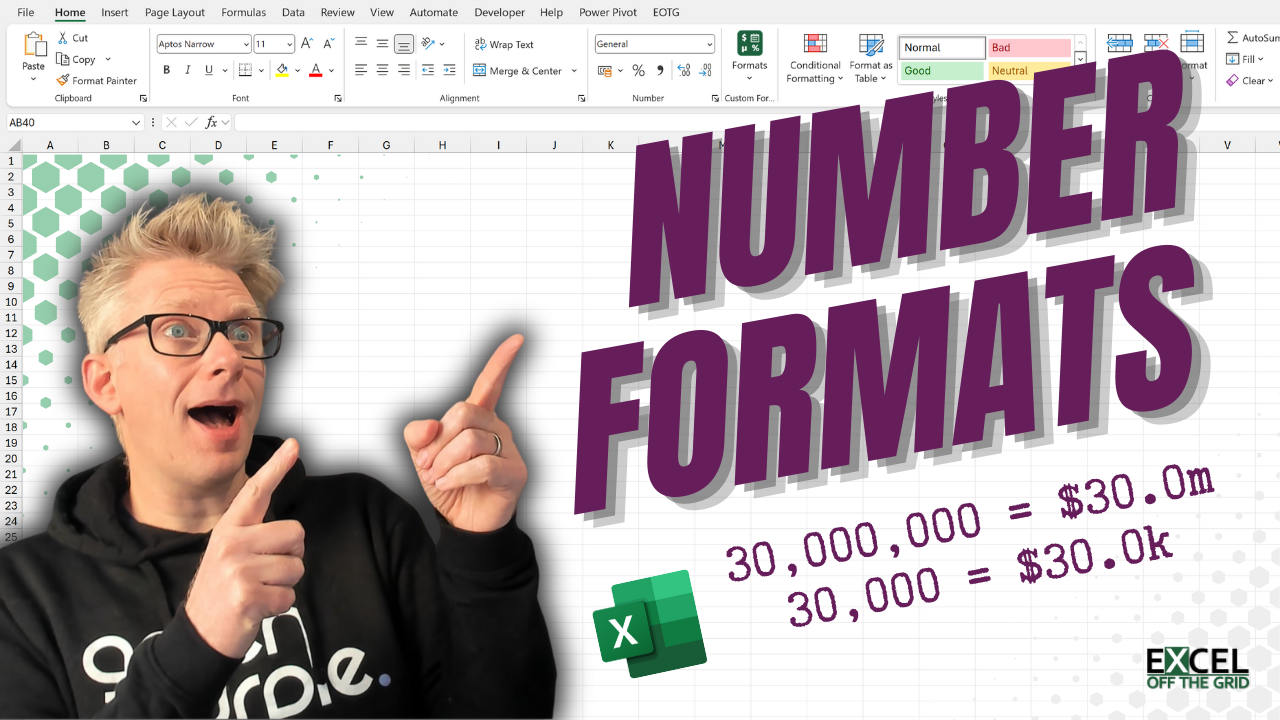
You’ve built an amazing dynamic report; a user selects a business unit to view, and everything updates automatically – it’s beautiful. The only issue is that Company A has sales of $30,000,000, Company B has sales of $30,000. Displaying values in 1 decimal place millions makes sense for Company A. $30,000,000 becomes $30.0m. But it … Read more

How to resize Excel sheet – 4 ways: manual & automatic

Auto resize excel sheet

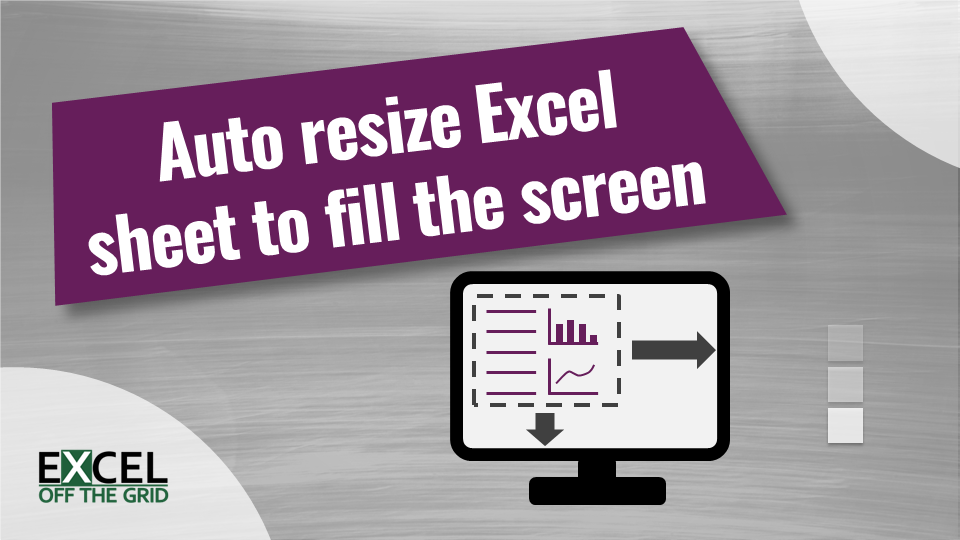
This post looks at how to Resize an Excel sheet. It’s a common requirement for users and is especially useful when creating dashboards for different-size monitors. Every office I have ever worked in has been an equipment battleground. It didn’t matter what the equipment was; it just had to be better than everybody else. A new keyboard, … Read more

Excel calculation mode keeps changing: How to fix it!

You’re probably already aware that Excel has two main calculation modes: automatic and manual. I’m sure everybody would prefer to use automatic calculation; however, formula complexity and large data sets can cause spreadsheet calculation to be slow. As a result, some users set Excel to manual calculation mode. The differences between these two calculation modes can … Read more