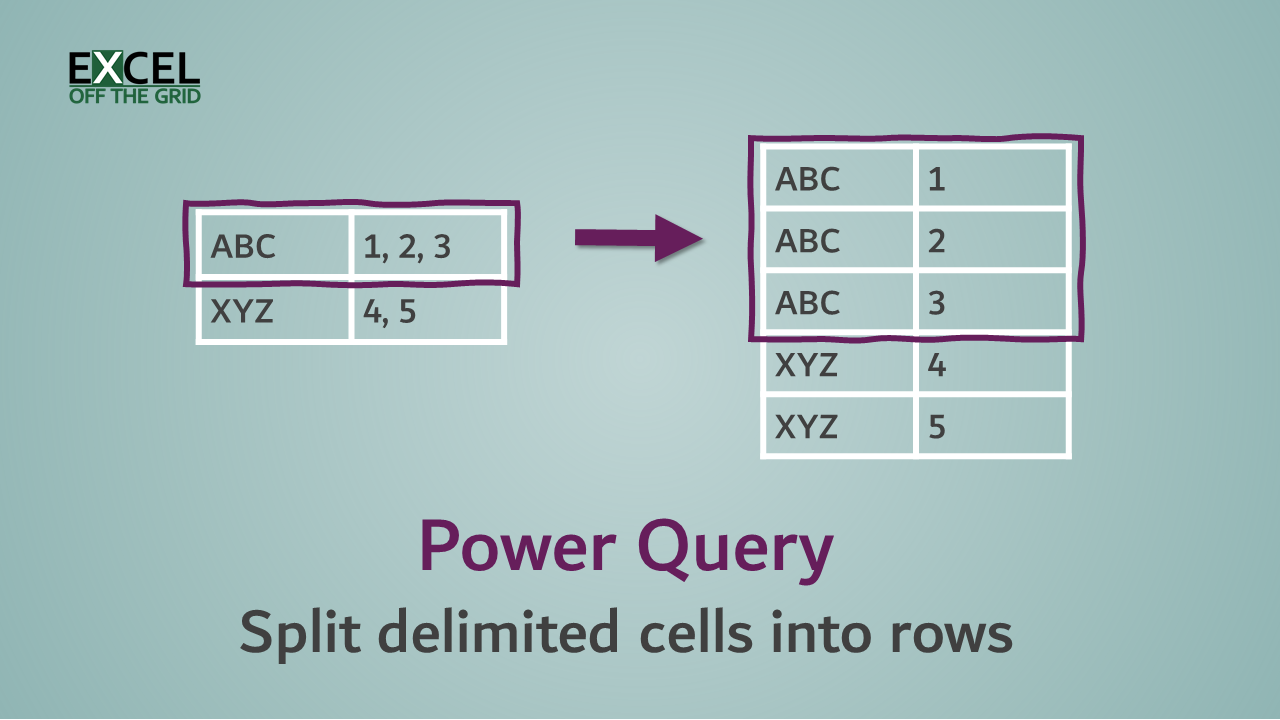
Use the Power Query editor to update queries
Power Query - Edit Queries

This post looks at how to use the Power Query editor to edit existing queries in Excel. We’ve seen some of this in a previous post of this Power Query series, but now we’ll go a lot deeper. Table of Contents Open the Power Query editor Queries & Connections Launch Power Query editor Query ribbon … Read more
Introduction to Power Query

Power Query - Introduction

The party was already in full swing; I was going to be late. Not fashionably late, just late. When I finally arrived, rather than the usual “What time do you call this?“, I received the “Hey; you made it, that’s amazing. It’s great you could come. Let me show you around“. Nobody looked down at … Read more

GETPIVOTDATA vs CUBE functions

GETPIVOTDATA vs CUBE functions - Featured Image v2

We’ve been able to create PivotTables in Excel since the mid-1990s. Ever since then, people have been asking how to extract data from PivotTables using formulas. As great as PivotTables are for analysis, they are not always the best for presentation, which is why extracting data using a formula is so useful. We currently have … Read more

Power Query: Stop Excel Table columns resizing

Power Query - Stop Column Widths Resizing

If we use Power Query to load data into an Excel Table, we may encounter an annoying default setting, whereby Table columns resize every time we refresh the query. It isn’t a problem if this is just data used for other calculations. However, if the query is part of your reporting, it may not display … Read more

Filter All in Power Query

Filtering in Power Query reduces the table to include only those items which meet specific criteria. However, Power Query doesn’t have an option to filter to include all items. In Excel, we can use the asterisk ( * ) as a wildcard character to match any text. Therefore, if we want to include all items … Read more