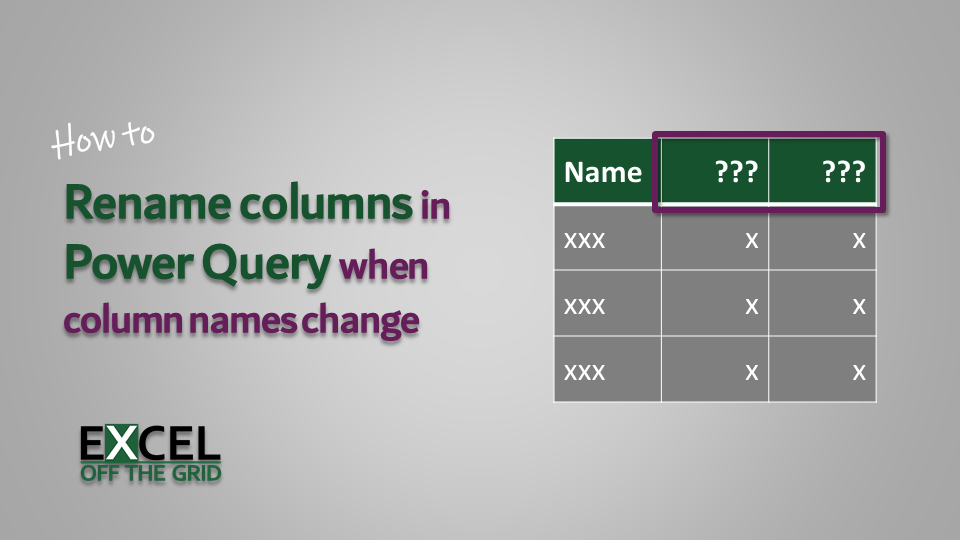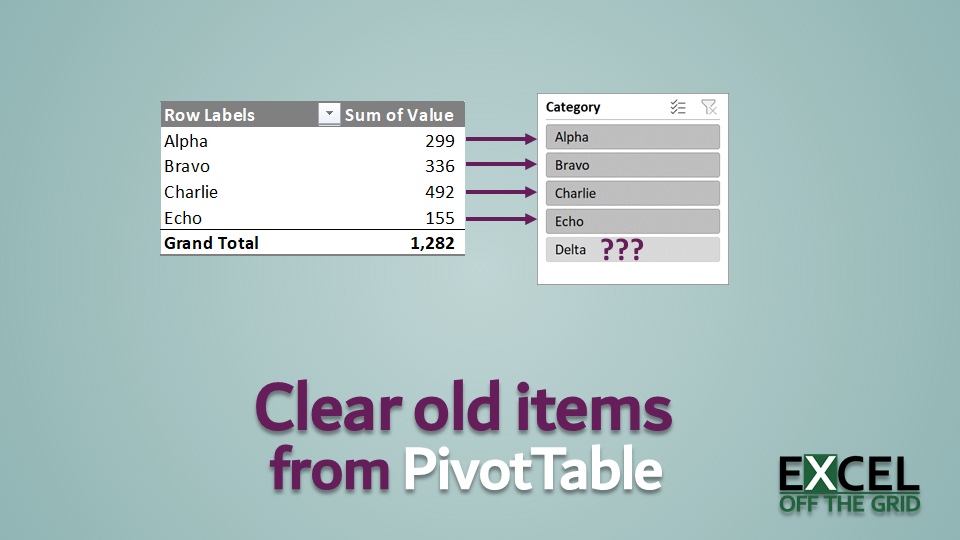
Power Query: Stop Excel Table columns resizing

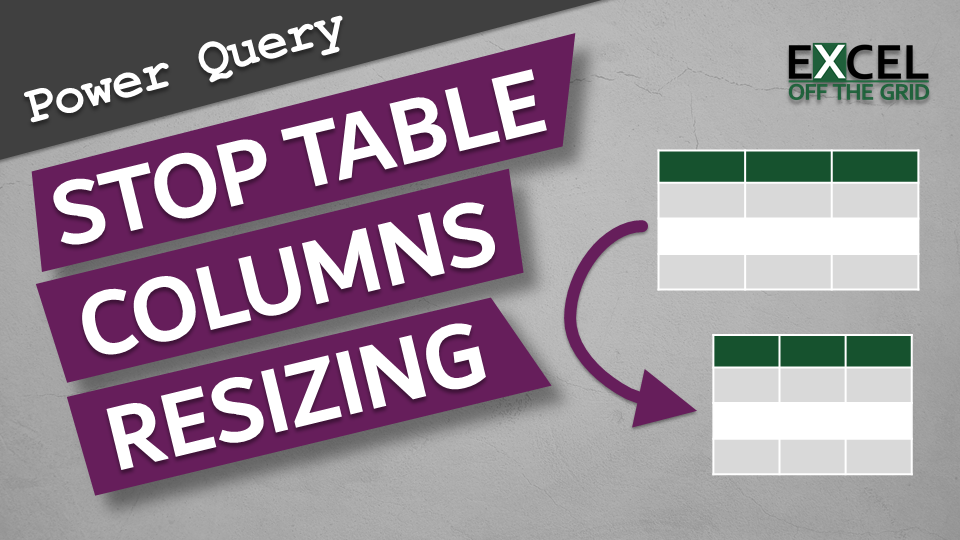
Power Query - Stop Column Widths Resizing

If we use Power Query to load data into an Excel Table, we may encounter an annoying default setting, whereby Table columns resize every time we refresh the query. It isn’t a problem if this is just data used for other calculations. However, if the query is part of your reporting, it may not display … Read more

Filter All in Power Query

Filtering in Power Query reduces the table to include only those items which meet specific criteria. However, Power Query doesn’t have an option to filter to include all items. In Excel, we can use the asterisk ( * ) as a wildcard character to match any text. Therefore, if we want to include all items … Read more

Create a fan chart in Excel

0069 Fan Chart in Excel

A fan chart, or uncertainty chart, as I like to call them, is a way to display historical data along with a prediction of future values. For example, they are often used to indicate inflation or exchange rate predictions, but can display any data with an uncertain future value. So how can we create a … Read more

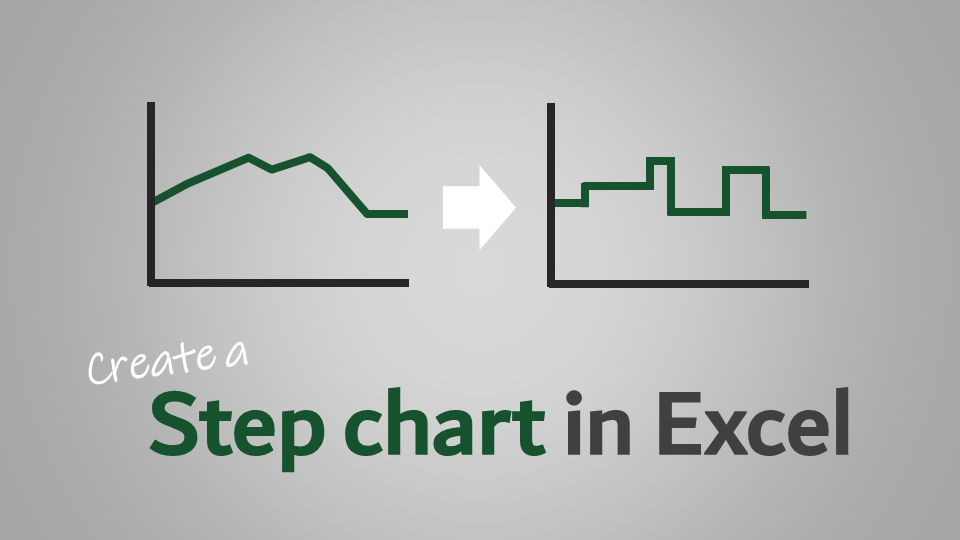
How to create a step chart in Excel

Create a step chart in Excel

Step charts show data that changes at specific points, then remain consistent until the following change occurs. It’s not a default chart type, but I want to share with you how to create a step chart in Excel. Interest rates set by central banks across the world follow a similar system. Some important people in … Read more

VBA to sort sheets alphabetically

VBA Code Snippets

When working with Excel, the worksheets order matters.  The tabs should reflect the flow which a user can understand.  Since there is no native feature to do it, using VBA to short sheets alphabetically can be a useful time-saver. But things are never as straightforward, are they? In this post, I will give you the … Read more